6 Best Free AI Tools for Creating Reels & Shorts in 2026
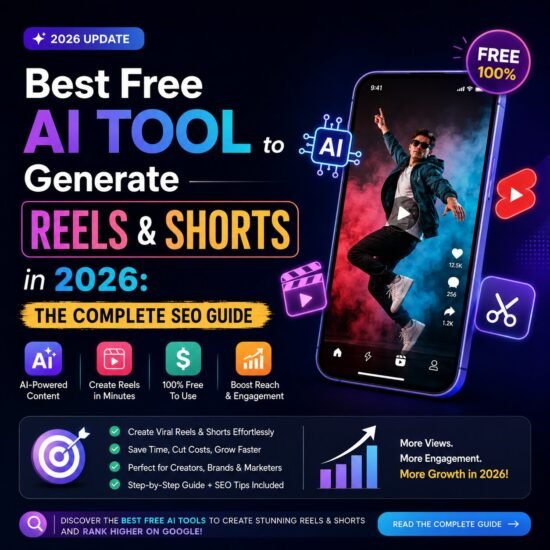
Short-form video is no longer a trend — it is the internet’s default language. Instagram Reels, YouTube Shorts, and TikTok now account for the majority of time users spend on social platforms, and brands that don’t publish vertical video consistently are losing visibility every single day. The good news? You no longer need an expensive editing suite, a film crew, or advanced design skills to create scroll-stopping short videos.
Thanks to rapid advances in generative AI, there are now free AI tools that can write your script, generate visuals, add captions, sync music, and export a ready-to-post Reel or Short in minutes. In this guide, we analysed the latest tools trending across the internet in 2026. We identified the single best free AI tool to generate short video content for your brand — along with a few strong alternatives depending on your workflow.
Whether you run a tech blog like Nextr Technology, manage social media for a small business, or are a solo content creator, this guide will help you pick the right free AI video tool and start publishing high-performing Reels and Shorts today.
Why Short-Form Video Is Dominating the Internet in 2026
Before diving into tools, it helps to understand why short video deserves a place in your content strategy:
- YouTube Shorts alone generates tens of billions of daily views worldwide.
- Short-form video now makes up the majority of global internet traffic.
- TikTok continues to hold a dominant share of the short-video market.
- Consumers report watching short-form videos multiple times a day, making it one of the most frequently consumed content formats.
- Search engines, including Google, increasingly surface video content directly in search results, improving discoverability for brands that publish consistently.
For a technology brand, this means Reels and Shorts are not just a social media tactic — they are an SEO and brand-visibility opportunity that compounds over time.
What to Look for in a Free AI Video Generator
Not every “free” AI tool is actually usable for business content. Many hide the best features behind a paywall or stamp a watermark on your export. Before picking a tool, check for the following:
- No mandatory watermark on free exports
- Vertical (9:16) formatting built specifically for Reels, Shorts, and TikTok
- Auto-captions and text overlays for silent, scroll-friendly viewing
- A template library sorted by platform
- Text-to-video or script-to-video generation to speed up production
- Royalty-free music and stock footage included in the free plan
- Simple export in HD or 4K without heavy compression
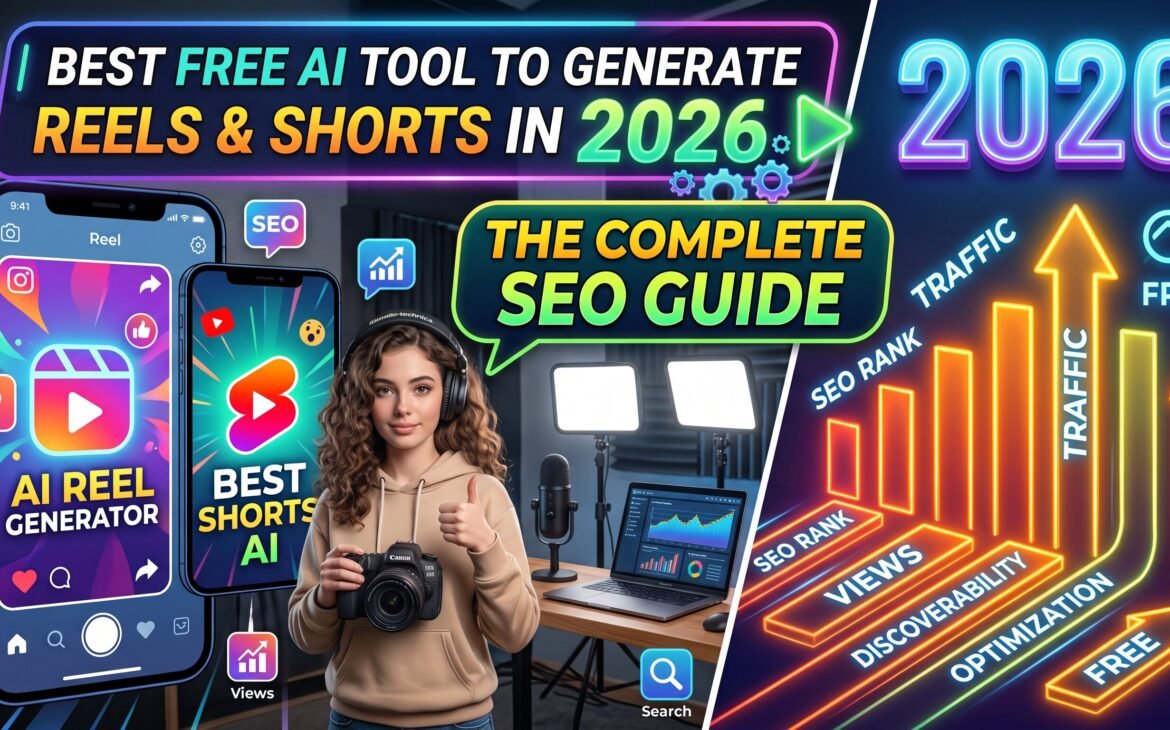
The Best Free AI Tool for Reels & Shorts in 2026: CapCut
After comparing the most-discussed AI video platforms in 2026, CapCut stands out as the best overall free AI tool for generating Reels, Shorts, and TikTok-style videos. It is developed by ByteDance (the company behind TikTok), which is exactly why its templates and formatting are so tightly optimised for short-form social platforms.
Why CapCut Wins for Free Short-Form Video Creation
- Completely free desktop and mobile editor with no forced watermark on exports
- Export up to 4K resolution on desktop at no cost.
- A massive template library organised by platform — TikTok, Reels, and Shorts formatting is pre-built
- AI-powered auto-captions, background removal, text-to-speech, and smart cutting tools
- You can go from a raw idea to a fully exported vertical video in under three minutes using templates.
- Strong community rating, reflecting consistent real-world performance among creators and marketers
The one thing to note: because CapCut is owned by a China-based company, some enterprise teams and regulated industries have raised data-privacy questions. For personal brands, bloggers, and most small-to-mid-size businesses like a tech blog, this is generally a non-issue — but it is worth being aware of if you operate in a regulated sector.
Pro Tip: The $0 Content Pipeline
For the best results, many creators now pair two free tools together instead of relying on one:
- Generate raw AI video clips using a free text-to-video generator such as Kling AI (see below).
- Import those clips into CapCut to edit, caption, add music, and export a polished, watermark-free vertical video.
This combination — generate in one tool, edit in CapCut — has become one of the most popular free workflows for producing daily short-form content without spending a dollar.
5 More Free AI Tools Worth Trying
1. Kling AI — Best Free Text-to-Video Generator
Kling AI currently offers one of the most generous genuinely free tiers for AI video generation, refreshing daily credits for both text-to-video and image-to-video generation. It is particularly strong for short, vertical clips (five to fifteen seconds) suited to Reels and TikTok, making it an excellent raw-clip generator to pair with an editor like CapCut.
2. Canva — Best for Branded, Design-Led Shorts
Canva’s free plan includes AI-assisted video templates, stock footage, and simple drag-and-drop editing. It’s ideal if brand consistency (logos, fonts, and colour palettes) matters more to you than cinematic AI-generated visuals.
3. InVideo AI — Best for Assembling Stock-Based Videos
If you’d rather assemble a video from stock footage than generate original AI clips, InVideo AI’s free tier includes limited weekly AI minutes and a strong stock-matching engine that pairs footage to your script automatically.
4. Fliki AI — Best for Zero-Editing, Script-to-Video Workflows
Fliki is built for creators who don’t want to touch a timeline at all. Paste a script or blog post, choose a voice, and Fliki auto-generates a short video with visuals, voiceover, and captions — useful for repurposing existing blog content into video.
5. Pictory — Best for Turning Blog Posts into Shorts
Since Nextr Technology already publishes written content, Pictory deserves a mention: it can automatically transform an existing article into a short, captioned video, making it a fast way to repurpose blog posts you’ve already written into Reels and Shorts.
Step-by-Step: How to Create a Reel or Short Using CapCut (Free)
- Download CapCut for free on desktop or mobile and create an account.
- Choose a template sorted specifically for “Reels” or “Shorts” from the template library.
- Upload your own clips, or generate raw footage separately using a free tool like Kling AI and import it.
- Use the AI auto-caption feature to add on-screen text for silent viewers.
- Add a trending or royalty-free audio track from CapCut’s built-in library.
- Trim, adjust pacing, and apply transitions using CapCut’s smart-cutting tools.
- Export in 9:16 vertical format at up to 4K resolution with no watermark.
- Post natively to Instagram Reels, YouTube Shorts, and TikTok, and embed the same video on your website blog post for added SEO value.
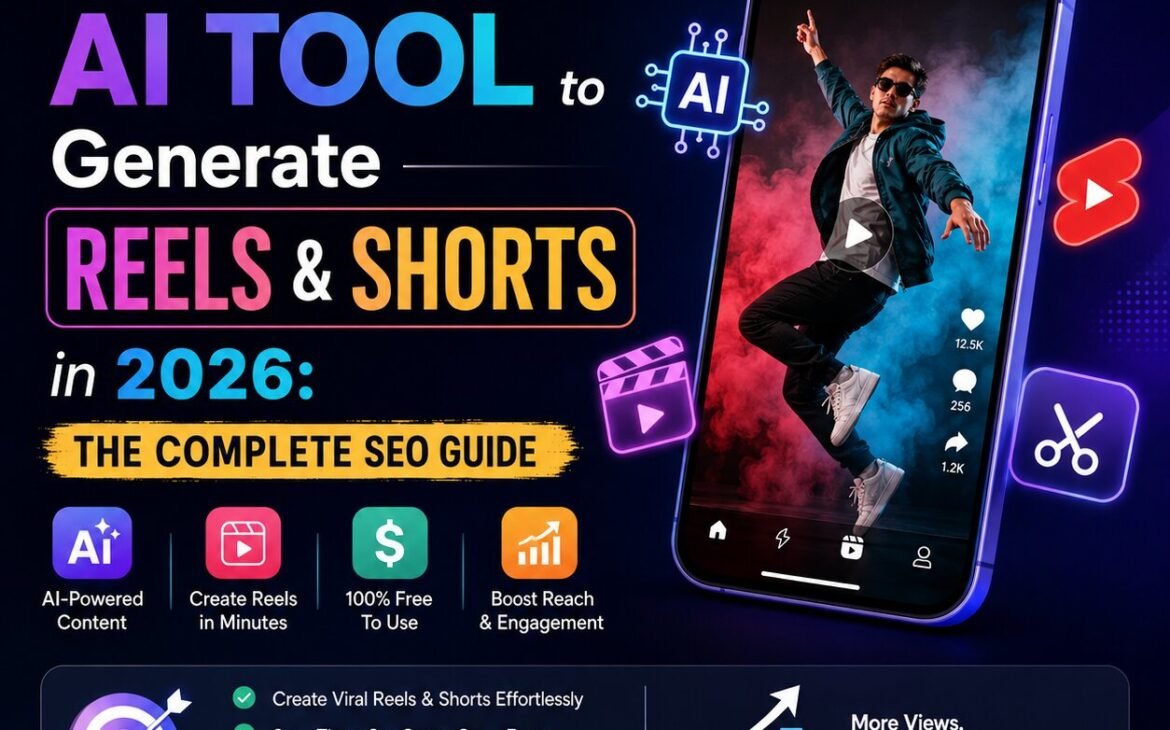
How to Make Your Short Video Content SEO-Friendly
Creating the video is only half the job — to actually rank and get discovered, apply these SEO practices:
- Write a keyword-rich title and description for every Reel, Short, and YouTube upload
- Add accurate, readable on-screen captions — search engines increasingly index spoken and captioned text
- Use relevant hashtags (3–5 focused tags outperform ten generic ones)
- Embed your short videos directly inside related blog posts on your website to boost time-on-page
- Add a transcript beneath embedded videos so Google can crawl the spoken content as tex.t
- Use a customkeyword-optimiseded thumbnail for YouTube Shorts
- Publish consistently — platforms and search engines reward accounts that post short-form video regularly
Conclusion
If you want one free AI tool that can realistically carry your entire Reels and Shorts strategy, CapCut is the strongest all-round pick in 2026 — it’s free, watermark-free, fast, and purpose-built for vertical social formats. For even better raw AI-generated visuals, pair it with a free text-to-video generator like Kling AI, and if you want to repurpose your existing blog content into video, tools like Pictory or Fliki are worth adding to your workflow.
The technology to produce professional, scroll-stopping short-form video is now free and accessible to everyone. The real advantage in 2026 doesn’t come from having the fanciest paid software — it comes from consistency: picking a tool, learning it well, and publishing regularly. For a growing brand like Nextr Technology, combining a strong written blog post with an embedded, SEO-optimized short video is one of the most effective ways to capture attention, build authority, and rank higher on Google’s search results.
Frequently Asked Questions (FAQs)
1. What is the best free AI tool to create Reels and Shorts in 2026?
CapCut is currently the best all-round free AI tool for creating Instagram Reels, YouTube Shorts, and TikTok videos, thanks to its watermark-free exports, platform-specific templates, and built-in AI editing features.
2. Is CapCut completely free to use?
Yes. CapCut’s core desktop and mobile editor is free, including exports up to 4K on desktop with no watermark. A paid CapCut Pro plan exists for extra cloud storage and premium effects, but it is not required for standard Reels or Shorts creation.
3. Which free AI tool is best for generating original AI video clips, not just editing?
Kling AI is currently one of the strongest genuinely free text-to-video and image-to-video generators, offering daily refreshing credits ideal for short vertical clips.
4. Can I turn my existing blog posts into short videos for free?
Yes. Tools like Pictory and Fliki are designed to automatically convert written blog content into a short, captioned video, making them ideal for repurposing content you’ve already published on your website.
5. Do AI-generated Reels and Shorts actually help with SEO?
Yes. Embedding short videos inside blog posts, adding transcripts, using keyword-optimised captions and titles, and publishing consistently can all improve time-on-page, engagement signals, and overall visibility in Google search results.
6. Is it safe to use CapCut for business content given it’s owned by ByteDance?
For most individual creators and small-to-mid-size businesses, CapCut is widely used without issue. However, some enterprise teams and regulated industries have raised data-privacy concerns, so organisations with strict compliance requirements should evaluate their internal policies before adopting it.
7. What video format should I export for Reels, Shorts, and TikTok?
Always export in vertical 9:16 format. Most free AI tools, including CapCut, have this preset built directly into their Reels and Shorts templates.
Thank you for reading
Buy Latest Tech Gadgets and Laptops: Click Here
Buy Web Hosting at an affordable price: Buy Now.
If you want to build your website at an affordable price, contact www.nextrtechnology.com
If you want to build your website at an affordable price, contact www.nextrtechnology.com
Read more blogs: https://www.nextrtechnology.com/blog/